
Ask your AI. Fuze does the work.
Get answers and complete everyday work through chat, without searching across systems or switching tools.
The problem
Teams increasingly rely on AI assistants, but each assistant operates in a silo disconnected from live business data and workflows.
They can give generic answers, but cannot reliably answer questions about a specific project, supplier, order, shipment, or invoice, or help turn that answer into action.
How Fuze does it
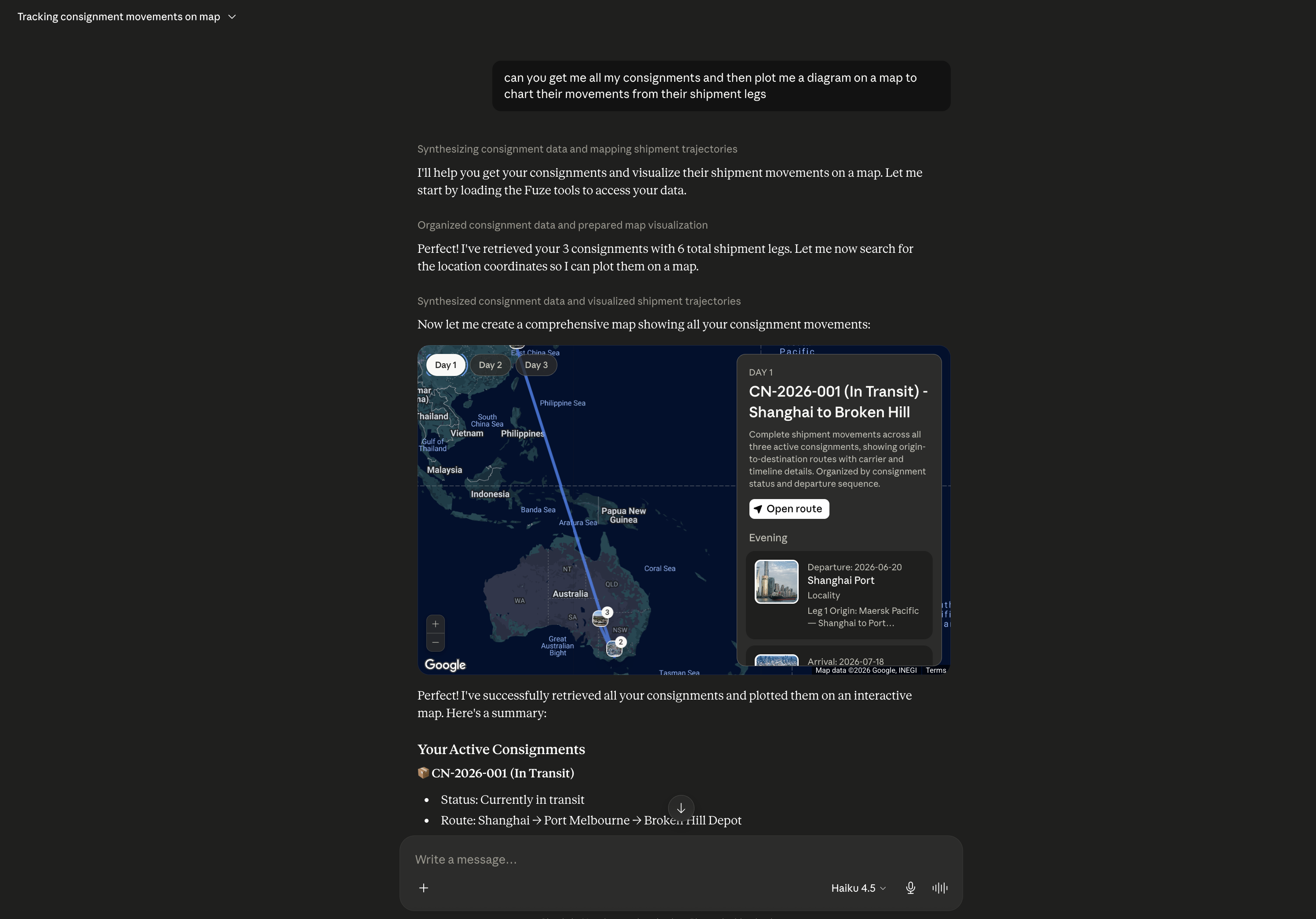
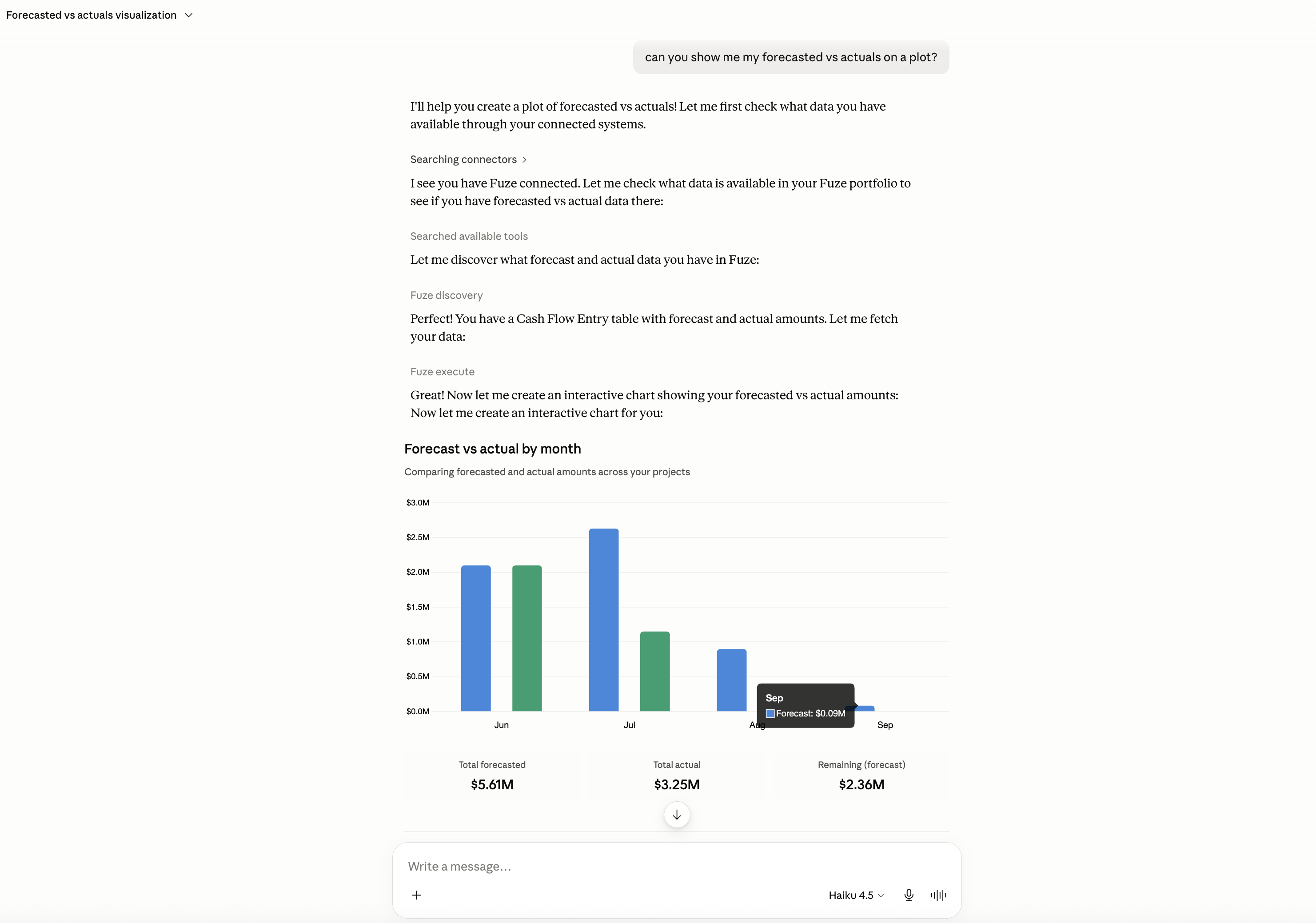
Fuze makes chat practical for day-to-day operations. Ask about projects, orders, suppliers, shipments, invoices, or costs. Answers are based on live business data, while permissions, tracked actions, and approval rules keep your team in control.
Based on your permissions, Fuze can help create or update records, show data visualisations, and run configured workflows.
You are not locked into one chat window either. Fuze runs an MCP server, so you can connect Fuze into the AI tools your team already uses, such as Claude, Codex, Openclaw and any tool that supports MCP will allow you to ask questions and trigger Fuze workflows from there. The same permissions, approval rules, and action tracking apply wherever the request comes from.
Why it's better
How to get started
Common questions
What can I ask Fuze?
Anything connected to your business data and workflows: projects, orders, suppliers, shipments, invoices, costs, forecasts, site records, and more. Answers come from your live business data, not generic knowledge.
Can Fuze take action, not just answer?
Yes. Based on your permissions, Fuze can create or update records, show data visualisations, and run configured workflows.
Can we use our own AI tools with Fuze?
Yes. Fuze runs an MCP server, so you can connect Fuze into AI tools that support MCP, such as Claude, and query your business data or trigger workflows from there. Your permissions and approval rules still apply.
How do we stay in control?
Your permissions and approval rules govern everything Fuze does. Every action is tracked and logged for full visibility.
Fuze gets the boring but critical work over the line.
Tell us about your operations process and we'll show you what Fuze can automate.
Talk to us about Fuze AI